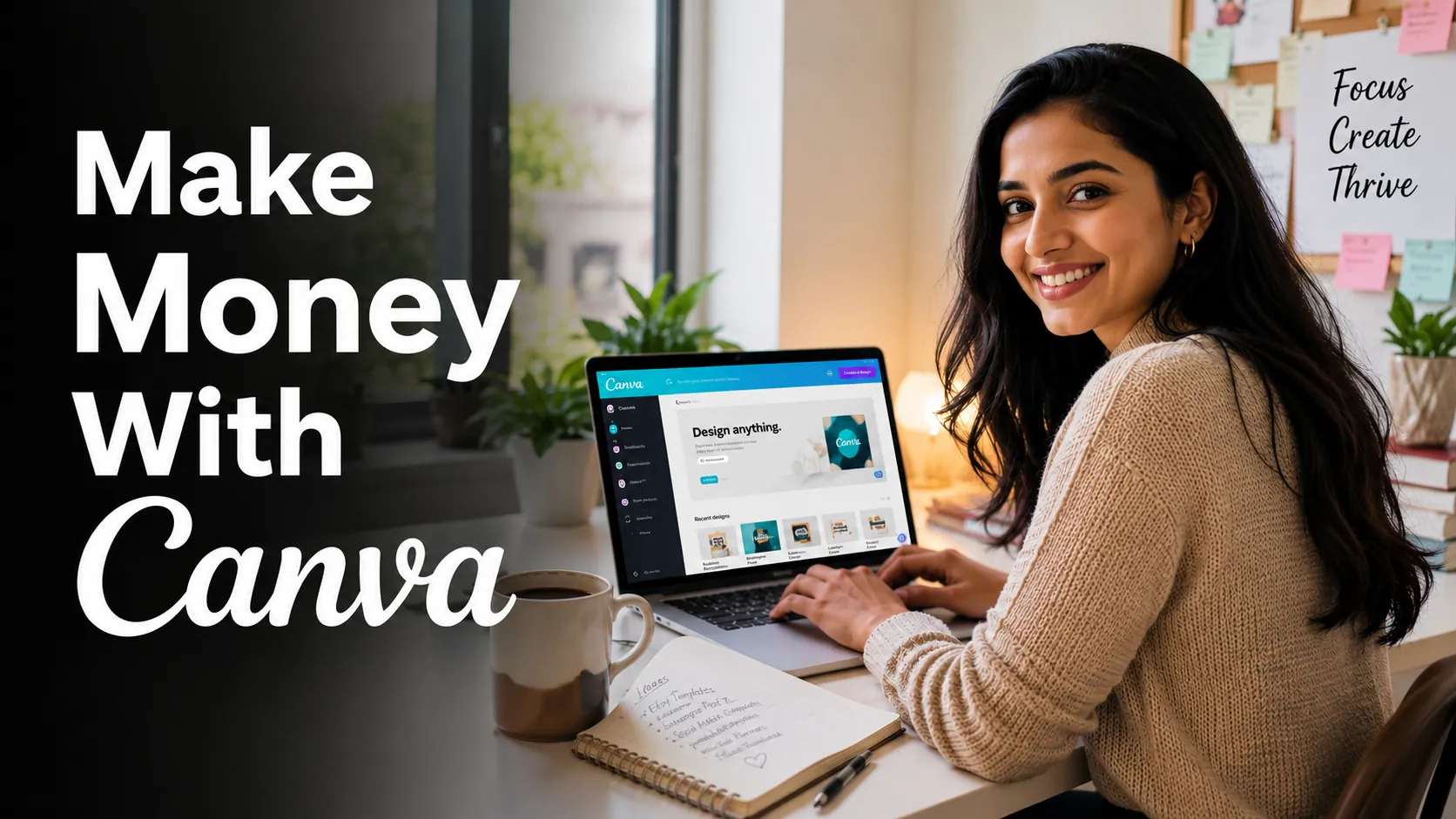
What if I told you that a free design tool on your laptop could pay your bills?
No coding. No degree. No big investment. Just Canva — and a few hours a week.
Thousands of people around the world are already making money online with Canva. Some are earning $500 a month on the side. Others have turned it into a full-time income. And the best part? They started with zero experience.
If you are someone who loves design, wants to work from home, or is just looking for a way to earn extra income online — this guide is exactly what you need.
Let us dive in. By the time you finish reading this, you will know exactly how to make money online with Canva — step by step.
Table of Contents
What Is Canva and Why Is Everyone Talking About It?
Canva is a free online design platform. You can use it to create social media posts, logos, presentations, flyers, ebooks, and so much more. It has a simple drag-and-drop interface, which means you do not need to know Photoshop or any fancy design software.
Canva has both a free version and a paid version called Canva Pro. For most beginners, the free version is more than enough to start making money.
Here is the truth: businesses, coaches, content creators, and brands all need good designs. But not all of them have time or the skill to create those designs. That is where YOU come in.
You learn Canva. You create beautiful designs. People pay you for it. Simple.
Can You Really Make Money With Canva as a Beginner?
Yes. Absolutely yes.
But let us be real with you. You will not get rich overnight. You need to put in the effort, learn the basics, and stay consistent. But if you do that — Canva can genuinely change your life.
Many people search for terms like “how to make money with Canva for beginners”, “Canva side hustle ideas”, and “sell Canva templates online” — and that tells you how big this opportunity really is.
Let us now look at the actual ways you can earn money using Canva.
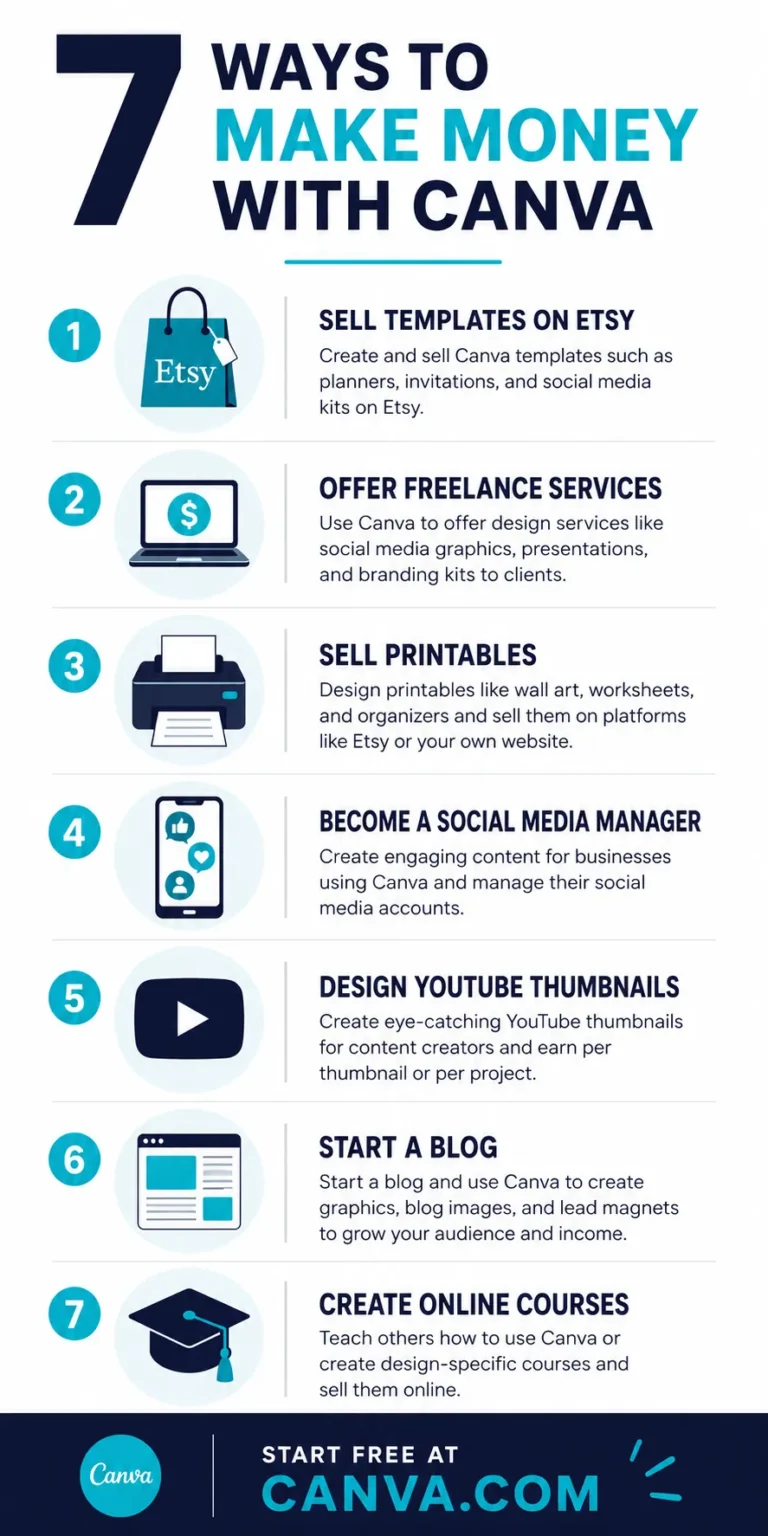
7 Proven Ways to Make Money Online With Canva in 2024
1. Sell Canva Templates on Etsy
This is one of the most popular Canva side hustle ideas right now. You design templates — things like Instagram posts, business cards, wedding invitations, or planners — and sell them on Etsy as digital downloads.
Once you list a template, it sells again and again. You do the work once and get paid many times. This is called passive income — and it is one of the best things about selling Canva templates.
Popular Canva templates that sell well on Etsy:
- Instagram carousel templates
- Pinterest pin templates
- Resume and CV templates
- Wedding invitation sets
- Budget planner templates
- Social media content calendars
- Ebook and workbook templates
Earnings potential: $200 to $2,000+ per month once your Etsy shop gains traction.
2. Offer Freelance Graphic Design Services
Many small businesses need help with their social media, branding, and marketing materials. They do not have a designer on their team. So they hire freelancers — people like you — to create those designs.
You can offer your Canva design skills on platforms like Fiverr, Upwork, or even directly on LinkedIn and Facebook groups. Charge per project or per hour — whatever works best for you.
This is one of the fastest ways to make money with Canva because you can get your first client within days of signing up on Fiverr.
Earnings potential: $15 to $75 per hour depending on your experience and niche.
3. Create and Sell Printables
Printables are downloadable files that people print at home. Think: grocery lists, habit trackers, kids’ activity sheets, wall art, and daily planners.
Canva makes creating printables incredibly easy. You design it once in Canva, export it as a PDF, and sell it on Etsy, Gumroad, or your own website. People buy printables all the time because they are affordable and instant.
Long-tail keyword tip: People search for things like “free printable budget planner PDF” and “kids chore chart printable” — create Canva designs around those searches and you can drive real traffic to your store.
4. Social Media Management Using Canva
Businesses need to post on Instagram, Facebook, TikTok, and LinkedIn regularly. But most business owners do not have time to design content every week.
You can offer a “done for you” social media design package. Use Canva to create all their monthly posts, stories, and banners. Then schedule and post them. This is a recurring monthly income — meaning clients pay you every single month.
Earnings potential: $300 to $1,500 per month per client.
5. Design YouTube Thumbnails and Channel Art
YouTube thumbnails are one of the most in-demand Canva design services. Every YouTuber needs a great thumbnail to get clicks. And most of them outsource this job.
You can charge $5 to $25 per thumbnail on Fiverr and build up a steady stream of clients. Once you get good at this, you can also offer channel banners, end screen templates, and intro cards.
This is one of the easiest Canva jobs for beginners with no experience.
6. Start a Blog or YouTube Channel About Canva
Here is something most people do not think about. You can teach others how to use Canva and earn money through ads, affiliate links, and sponsorships.
Canva has an affiliate program that pays you a commission when someone signs up for Canva Pro through your link. So you can write blog posts or make YouTube videos about Canva, include your affiliate link, and earn passive income every time someone clicks and subscribes.
This is a long-term strategy — but once it builds up, it pays you on autopilot.
7. Sell Canva Courses or Workshops
Once you get comfortable with Canva, you can teach others. Create a beginner-friendly Canva course on platforms like Teachable, Gumroad, or Udemy. Or run live workshops on Zoom.
People are always looking to learn Canva quickly. A simple, well-structured course can earn you hundreds of dollars in its first week.
Earnings potential: $97 to $497 per course sale — and courses sell while you sleep.
Step-by-Step: How to Get Started Making Money With Canva Today
Ready to begin? Here is your simple action plan. Follow this and you will be on your way to your first dollar online with Canva.
Step 1: Create a Free Canva Account
Go to canva.com and sign up with your email or Google account. It is completely free. Explore the dashboard and get familiar with the templates available. Just spend 30 minutes clicking around — you will be surprised how easy it feels.
Step 2: Pick Your Niche
Do not try to do everything at once. Pick one niche to start with. Some great beginner niches are: Instagram templates for coaches, resume templates for job seekers, or Pinterest graphics for bloggers. Focusing on one thing helps you get better faster and attract the right clients.
Step 3: Create 5 to 10 Sample Designs
Before you try to sell anything, build a small portfolio. Create 5 to 10 designs in your chosen niche. These will show potential clients what you can do. Do not wait for them to be perfect. Done is better than perfect when you are just starting out.
Step 4: Set Up Your Selling Platform
Choose where you want to sell. If you want to sell templates and printables, open an Etsy store. If you want clients, create a Fiverr gig or a simple profile on Upwork. You can always expand later — start with one platform.
Step 5: Write Descriptions With Keywords
This is super important. When you list your designs for sale, use keywords that people actually search for. Think about phrases like “Canva Instagram template for small business” or “editable wedding invitation Canva template”. Good keywords bring free traffic to your listings.
Step 6: Promote on Pinterest and Instagram
Pinterest is a goldmine for Canva sellers. Create pins that link back to your Etsy shop or website. Use relevant keywords in your pin descriptions. Instagram is great too — show your design process or before/after mockups. Post consistently and your reach will grow.
Step 7: Get Your First Review
Reviews build trust. Offer a small discount or even a free design to your first few clients in exchange for an honest review. Once you have a few 5-star reviews, more clients will come naturally. This is how every successful Etsy seller or Fiverr freelancer started.
Step 8: Scale and Diversify
Once you start earning consistently, expand. Add more templates to your Etsy shop. Raise your prices on Fiverr. Start an email list. Create a course. The more ways you have to earn, the more stable your income becomes.
Tools That Work Great Alongside Canva
Canva is powerful on its own. But when you pair it with the right tools, your earning potential goes up dramatically.
- Etsy — sell your digital templates and printables
- Fiverr and Upwork — find freelance design clients
- Gumroad — sell courses, ebooks, and digital products
- Pinterest — drive free traffic to your designs or shop
- Mailchimp — build an email list of loyal customers
- Notion — organize your workflow and client projects
Pro Tips to Earn Faster With Canva
- Study what sells. Go on Etsy and search “Canva templates”. Sort by bestsellers. Look at what types of designs are selling most. Then create something similar — but better and more unique.
- Use Canva’s brand kit. If you are working with clients, Canva Pro’s brand kit lets you save their colors, fonts, and logos. This saves so much time and looks professional.
- Batch your work. Instead of creating one template at a time, design a full set of 10 to 20 templates in one sitting. Then list them all at once. This is how top Etsy sellers hit big numbers.
- Keep designs simple and clean. Complicated designs do not sell well. Clean, simple templates that are easy to customize are what people want to buy.
- Respond fast to clients. On Fiverr and Upwork, response time matters. The faster you reply, the higher you rank in search results. Check messages daily.
Common Mistakes Beginners Make (And How to Avoid Them)
- Mistake 1: Trying to do everything at once. Fix: Focus on one method, master it, then expand.
- Mistake 2: Giving up too soon. Fix: Most Etsy sellers see their first sale after 2 to 4 weeks. Stick with it.
- Mistake 3: Ignoring SEO. Fix: Whether on Etsy, Fiverr, or your blog — keywords are everything. Research what people search for and use those words.
- Mistake 4: Setting prices too low. Fix: Underpricing yourself makes clients think your work is low quality. Charge what you are worth.
- Mistake 5: Not asking for reviews. Fix: After every sale or project, politely ask your client to leave a review. Reviews = trust = more sales.
Ready to Start? Here Is Your Action Plan
Here is the honest truth: reading about making money with Canva will not make you money. Taking action will.
Your next 3 steps right now:
- Go to Canva.com and create your free account right now
- Spend 30 minutes exploring templates in your niche
- Create your first 3 designs and save them to your computer
That is it. That is all you need to do today. The rest will follow. Stop waiting for the “perfect time”. The perfect time is right now.
Summary
Here is everything we covered in this guide:
- Canva is a free, beginner-friendly design tool that anyone can learn
- You can make money online with Canva through templates, freelancing, printables, social media management, YouTube thumbnails, blogging, and courses
- Etsy and Fiverr are the best platforms to start selling your Canva work
- SEO keywords in your listings are key to getting found and making sales
- Start with one method, master it, and then scale from there
- Consistency and patience are the two biggest secrets to success
Conclusion
Making money online with Canva is not a myth. It is a real, proven opportunity that thousands of people are taking advantage of right now. And the door is wide open for you too.
You do not need experience. You do not need a big budget. You just need a free Canva account, some creativity, and the willingness to show up and learn.
Whether you want to sell Canva templates on Etsy, offer freelance design services on Fiverr, or build a passive income through printables — the path is clear. All you have to do is take that first step.
So go ahead. Open Canva. Start creating. Your online income journey starts today.
Frequently Asked Questions
Do I need Canva Pro to make money?
No! The free version of Canva is enough to get started. Canva Pro gives you more templates and features, but you can absolutely earn money without it at first.
How much can I realistically earn with Canva?
Beginners typically earn $200 to $800 per month in the first 3 to 6 months. With consistent effort, that can grow to $2,000 to $5,000+ per month over time.
Can I use Canva designs for commercial use?
Yes — Canva’s content license allows you to use designs for commercial purposes including selling templates and services. Always check Canva’s terms of use for the most current details, especially for Canva Pro elements.
How long does it take to make my first sale on Etsy?
Most beginners make their first sale within 2 to 8 weeks. It depends on how many listings you have, how good your keywords are, and how much you promote your shop.
Is Canva good for making money in India?
Absolutely! Many Indian designers are earning in US dollars through Etsy and Fiverr while living in India. The currency difference actually works in your favor.