You know that feeling.
You have a decision to make. It could be small — like which task to start first. Or big — like which job offer to accept.
But instead of deciding, your brain just… spins.
You go over the same thoughts again and again. You make a list. Then another list. You Google the question. Then Google it again with different words. Hours pass. You still have no answer. Just more anxiety.
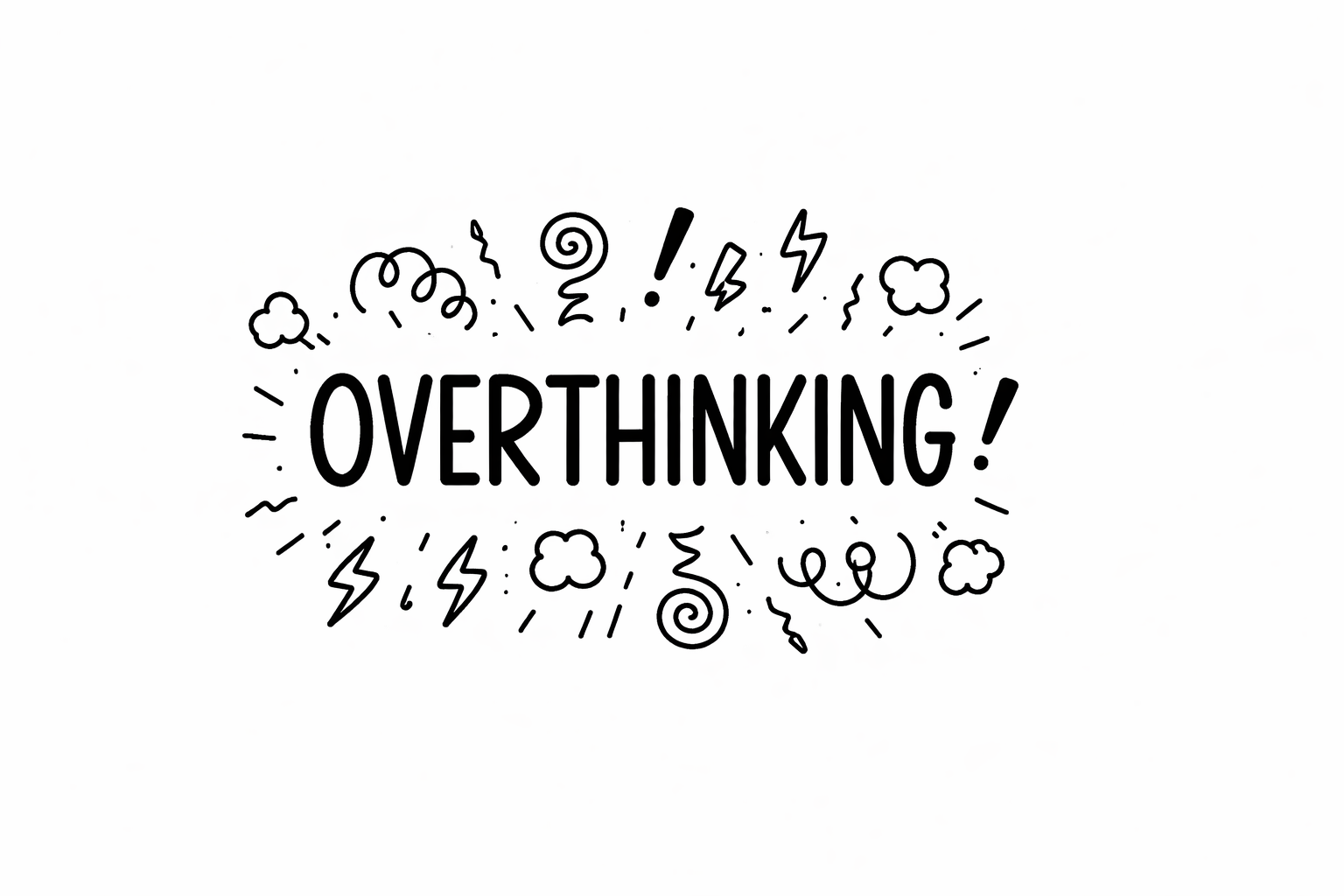
That is overthinking. And it is quietly destroying your productivity, your confidence, and your peace of mind.
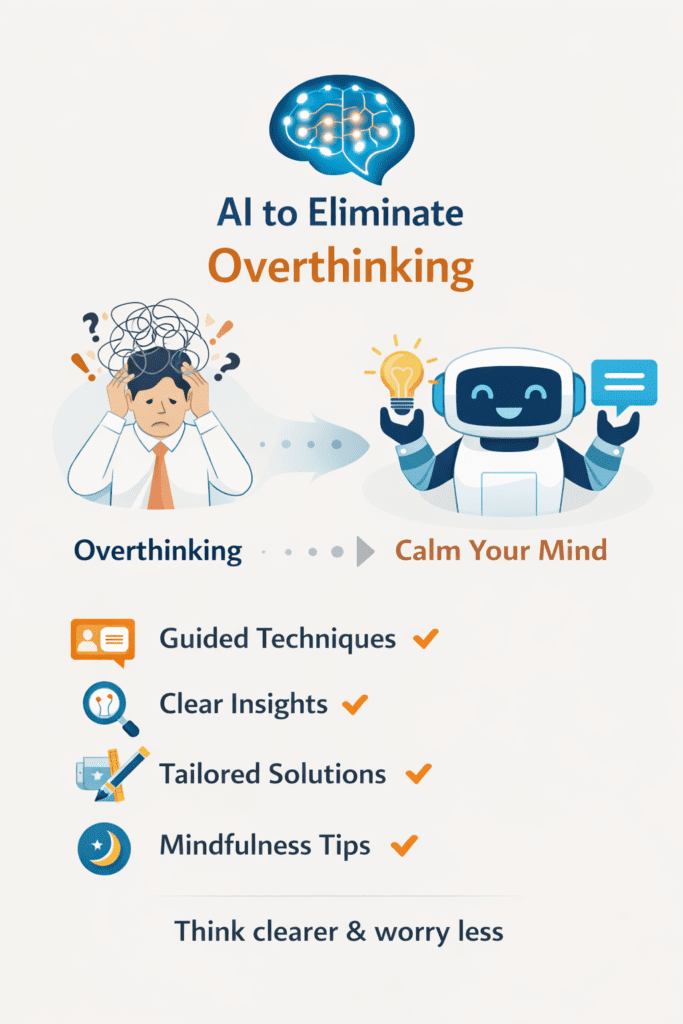
Here is the good news: AI can help you break that loop. Not by thinking for you. But by helping you think better, faster, and with more clarity.
In this blog, you will learn exactly how to use AI to eliminate overthinking and start making confident decisions every single day.
Let us get into it.
Table of Contents
What is Overthinking and Why Does It Happen?
Overthinking is when your mind gets stuck in a loop. You keep thinking about the same problem over and over — without moving forward.
It is not just a bad habit. It is actually a mental pattern. Your brain is trying to protect you. It wants to find the perfect answer before you act. So it keeps searching. And searching. And searching.
But here is the problem: that perfect answer never comes. You just end up more confused and more stressed.
Common Signs of Overthinking
- You replay past decisions and wonder if you made the right choice
- You feel stuck when you have too many options
- You cancel plans because you are not sure they are good enough
- You spend hours on simple tasks because you want them to be perfect
- You feel mentally tired even without doing much physical work
Does any of this sound familiar? If yes, you are not alone. Millions of people struggle with overthinking every single day.
The real cause of overthinking is usually one of three things: fear of failure, fear of judgment, or lack of a clear thinking system.
And this is exactly where AI becomes a game changer.
How AI Helps You Stop Overthinking (The Simple Truth)
AI does not make decisions for you. Let us be clear about that.
But it does something even more powerful: it gives your brain a clear structure to work with.
When you are overthinking, your thoughts are scattered. There are too many variables, too many “what ifs”, and too much noise inside your head.
AI tools like ChatGPT, Claude, Gemini, and others act like a thinking partner. They help you:
- Organize your thoughts into clear categories
- Break a big problem into smaller, manageable pieces
- See options you might have missed
- Get a second perspective in seconds
- Take action instead of staying stuck
Think of AI as a mental whiteboard. It helps you dump everything out of your head, sort it, and look at it clearly.
That alone can reduce overthinking by more than half.
💡 Pro Tip: Use AI not to replace your thinking, but to organize it. The goal is clarity, not outsourcing.
7 Steps to Use AI to Eliminate Overthinking
Here is a simple, practical system you can start using today. No fancy setup. No paid tools required. Just you and a free AI assistant.
Step 1: Do a Brain Dump With AI
Open any AI tool — ChatGPT, Claude, or Gemini. Then type out everything that is in your head.
Do not worry about grammar or structure. Just write.
For example, you could say:
“I am overthinking whether to leave my job. Here are all my thoughts: I hate my manager, but the salary is good. I have a new offer, but it is risky. My family depends on me. I do not know if I should stay or go. Help me think through this clearly.”
AI will then help you organize those scattered thoughts into clear categories. It will show you what matters most and what is just noise.
This one step alone can cut your mental chaos by 70%.
Step 2: Ask AI to List the Pros and Cons
We all know the pros-and-cons method. But when we are overthinking, we cannot think straight enough to make a good list.
Ask AI to do it for you. Be specific. Give it context.
Try: “List the pros and cons of accepting a new job offer that pays 20% more but requires relocating.”
AI will give you a structured, unbiased list. And when you see it laid out clearly, making a decision suddenly feels much easier.
Step 3: Use AI to Identify Your Core Fear
Most overthinking is rooted in a hidden fear. But we rarely know what that fear actually is.
Ask AI: “I keep overthinking this decision. What fears might be causing me to stay stuck?”
AI will reflect possible fears back to you — like fear of failure, fear of change, or fear of disappointing others. When you see your fear named clearly, it loses some of its power.
Step 4: Ask AI to Narrow Down Your Options
Too many options = more overthinking. This is called decision fatigue.
Tell AI: “I have 5 options for solving this problem. Help me eliminate the weakest ones based on my goals.”
Give AI your goals and constraints. It will help you cut the list down to 2 or 3 strong options. Then your brain has less to process — and deciding becomes much easier.
Step 5: Set a Decision Deadline Using AI
One of the most powerful things AI can do is hold you accountable.
Say: “Help me create a decision-making timeline. I need to decide by Friday. What should I do each day this week to reach a confident answer?”
AI will create a simple schedule. When you have a deadline and a plan, overthinking has nowhere to hide.
Step 6: Ask AI for the Worst-Case Scenario
Overthinkers are usually afraid of a scary outcome they cannot fully picture.
Ask AI: “What is the realistic worst-case scenario if I choose option A? And how would I recover from it?”
When you see the worst case laid out calmly — and see a recovery plan — your fear drops dramatically. Most worst-case scenarios are survivable. AI helps you see that.
Step 7: Use AI to Build Your Personal Decision Framework
This is the final step — and the most powerful one.
Ask AI to help you build a personal decision-making framework based on your values and goals.
For example: “Help me create a simple 3-question framework I can use every time I have a hard decision to make.”
AI will build something custom for you. Once you have your framework, you do not need to overthink from scratch every time. You just follow your system.
✅ ACTION: Pick one decision you are currently overthinking. Open ChatGPT or Claude right now. Do the brain dump. You will feel lighter in under 10 minutes. Try it.
Best AI Tools to Help You Stop Overthinking
There are many AI tools out there. But not all of them are built the same. Here are the best ones for overthinkers:
1. ChatGPT (by OpenAI)
Best for: General thinking, brainstorming, pros and cons, fear analysis.
ChatGPT is the most popular AI assistant in the world. It is conversational, patient, and very good at helping you think through problems. The free version is powerful enough for most people.
Use it for: Daily brain dumps, decision frameworks, worst-case scenarios.
2. Claude (by Anthropic)
Best for: Nuanced thinking, long conversations, emotional clarity.
Claude is known for being thoughtful and detailed. It is great when your overthinking involves complex emotions or big life decisions.
Use it for: Identifying fears, organizing complex thoughts, creating personal frameworks.
3. Gemini (by Google)
Best for: Research-based decisions, quick answers, fact-checking.
Gemini pulls from Google’s knowledge base. Great when your overthinking is tied to needing more information before deciding.
Use it for: Research decisions, comparing options with real data.
4. Notion AI
Best for: Turning your thoughts into organized notes and action plans.
If you use Notion for productivity, the built-in AI can help you turn your chaotic notes into clean, actionable to-do lists.
Use it for: Project decisions, daily planning, reducing task overwhelm.
5. Perplexity AI
Best for: Getting quick, reliable answers with sources.
When overthinking is triggered by “I just don’t know enough,” Perplexity is your best friend. It gives you clear answers fast — with citations.
Use it for: Research-based uncertainty, fact-checking before a big decision.
💡 Pro Tip: You do not need all five tools. Pick one that feels right and stick with it for at least two weeks. Consistency beats complexity.
Real-Life Scenarios: AI Solving Overthinking
Let us look at some real-world examples of how people use AI to break free from overthinking.
Scenario 1: Should I Quit My Job?
Priya had been thinking about leaving her 9-to-5 for over a year. Every time she thought about it, she froze. Too many what-ifs.
She opened Claude and did a full brain dump. In under 20 minutes, Claude helped her see that her core fear was financial insecurity — not the job itself. It also showed her she had three months of savings, a strong network, and a marketable skill set.
She handed in her notice two weeks later. Her overthinking had lasted 12 months. AI helped her solve it in 20 minutes.
Scenario 2: Which Business Idea to Pursue?
Rahul had four business ideas and zero clarity. Every time he started one, he second-guessed himself and switched to another.
He asked ChatGPT: “Help me compare these four business ideas based on my skills, budget of $500, and goal of replacing my income in 18 months.”
ChatGPT narrowed it down to two. Then one. Rahul had his answer in one hour — after overthinking for three months.
Scenario 3: Daily Work Decisions
Sara is a content creator. She used to spend two hours every morning deciding what to create that day.
She now uses ChatGPT to create a weekly content plan every Monday morning. Total time: 15 minutes.
She saved 10+ hours of overthinking every single week. That is 40+ hours per month.
✅ TAKEAWAY: Overthinking is a time thief. AI is the alarm that wakes you up and shows you the exit.
The Psychology Behind Why AI Works for Overthinking
Here is something interesting. AI does not just help practically — it helps psychologically too.
When we overthink, we are trapped inside our own heads. We keep circling the same thoughts because our brain does not feel safe enough to stop.
Writing your thoughts to an AI does something powerful: it externalizes them.
Suddenly, your problem is outside your head. You can look at it. You can see it more clearly. You are no longer trapped inside it.
This is similar to journaling or therapy — but faster and available 24/7.
Studies in cognitive psychology show that simply writing out your anxieties reduces their intensity by up to 40%. AI takes this further by also organizing and responding to those anxieties in a structured way.
The result? Your nervous system calms down. Your brain gets out of “danger mode.” And you can finally think clearly.
💡 Pro Tip: If you feel overwhelmed, try this: open an AI chat and type “I feel overwhelmed right now. Here is why…” Just writing it out will help you feel better before AI even responds.
Common Mistakes to Avoid When Using AI for Decisions
AI is powerful. But there are a few traps to avoid.
Mistake 1: Using AI as an Excuse to Delay More
Some people use AI as another tool to procrastinate. They keep asking questions, refining answers, and “gathering more information” instead of actually deciding.
Fix: Set a hard limit. One AI session, then decide. Period.
Mistake 2: Ignoring Your Gut
AI can give you all the logical arguments in the world. But your gut instinct is data too. Do not ignore it.
If AI says Option A is best but something feels wrong, pay attention to that feeling. Tell AI: “Option A makes logical sense but I feel uneasy. Why might that be?”
Mistake 3: Asking Vague Questions
Garbage in, garbage out. If you ask AI vague questions, you get vague answers.
Instead of: “Should I start a business?”
Say: “I am a 28-year-old graphic designer with $1,000 saved and 10 hours per week free. Should I start a freelance business or a product-based business? Here are my goals…”
Specific questions get specific, useful answers.
Mistake 4: Relying on AI for Every Single Decision
AI is a tool. Use it for medium-to-big decisions where overthinking is a real problem. For small daily choices, practice deciding fast without AI. This builds your confidence and sharpens your own decision-making over time.
How to Build an Anti-Overthinking Routine Using AI
You do not have to wait until you are stuck to use AI. You can build a daily routine that keeps overthinking from even starting.
Here is a simple daily routine you can follow:
1. Morning (5 minutes): Ask AI to help you pick your top 3 priorities for the day. This removes the mental fog of “where do I start.”
2. Midday (5 minutes): If you are stuck on something, do a quick brain dump with AI. Get clarity fast.
3. Evening (5 minutes): Ask AI to help you reflect on one decision you made well today. This builds confidence over time.
That is just 15 minutes of AI use per day. But it can save you hours of overthinking.
Over time, this routine rewires your brain. You start to trust your thinking process more. Decisions feel less scary. You move faster.
✅ CHALLENGE: Try this 15-minute daily AI routine for just 7 days. Notice how much clearer your thinking becomes by Day 7.
Prompts You Can Copy and Use Right Now
Here are some ready-to-use prompts you can copy and paste into any AI tool today:
For Brain Dumps:
“I am feeling mentally overwhelmed about [topic]. Here is everything in my head: [dump your thoughts]. Help me organize this and see it clearly.”
For Decision Making:
“I need to decide between [Option A] and [Option B]. My goals are [your goals] and my constraints are [your constraints]. Help me think through this step by step.”
For Identifying Fears:
“I keep avoiding a decision about [topic]. What fears might be holding me back? List the most common ones related to this situation.”
For Worst-Case Scenario:
“What is the realistic worst-case scenario if I choose [option]? And what would a realistic recovery plan look like?”
For Creating a Framework:
“Help me create a simple personal decision-making framework I can use for career decisions. Make it based on my values: [list your values].”
💡 Pro Tip: Save these prompts somewhere easy to access. When overthinking hits, just open your AI tool and paste the prompt. You will feel relief almost immediately.
Overthinking vs. Thoughtful Thinking: Know the Difference
Here is a nuance that most people miss.
Not all deep thinking is overthinking. Sometimes, you need to think carefully before making a big decision. That is healthy and necessary.
The difference is this:
- Thoughtful thinking moves toward a decision. Each thought adds new clarity.
- Overthinking circles the same thoughts. Each loop adds more confusion, not clarity.
AI helps you stay in thoughtful thinking territory. When you start looping, AI gives you new input — breaking the cycle and moving you forward.
If you notice you are asking AI the same questions over and over, that is a sign to stop thinking and just decide. The information is enough. Your brain is just scared. And that is normal.
Action cures fear. Decide, act, adjust.
Summary
Let us quickly recap everything we covered:
- Overthinking is a mental loop caused by fear and lack of a clear thinking system
- AI does not replace your thinking — it organizes and clarifies it
- You can use AI to do brain dumps, list pros and cons, identify fears, narrow options, and set deadlines
- The best AI tools for overthinkers include ChatGPT, Claude, Gemini, Notion AI, and Perplexity
- Real people are using AI to solve career dilemmas, business questions, and daily work decisions in minutes
- Psychologically, writing to AI externalizes your thoughts and reduces anxiety
- Avoid common mistakes: using AI to delay, ignoring your gut, asking vague questions, or becoming dependent
- A simple 15-minute daily AI routine can rewire your brain to think faster and clearer
- Ready-to-use AI prompts are available to help you start right now
Conclusion
Overthinking is not a personality flaw. It is not who you are. It is just a pattern — and patterns can be changed.
You now have a powerful new tool in your hands. AI can be your thinking partner, your mental organizer, and your confidence builder.
The next time you feel your brain spinning, do not fight it. Just open an AI chat. Dump your thoughts. Ask a clear question. Get clarity.
You will be surprised how fast the fog lifts.
The best decision you can make today is a small one: open an AI tool and try one of the prompts in this blog. Right now. Before you close this tab.
Because the biggest enemy of overthinking is not better thinking. It is action.
And you are ready to take yours.
✅ START TODAY: Open ChatGPT or Claude. Type: “I am overthinking [your current problem]. Help me think through this clearly.” Do it now. Your future self will thank you.